Sprint
5 days
A full holiday stretch spent almost entirely on concept work, CAD planning, and production research.
Hardware Prototype
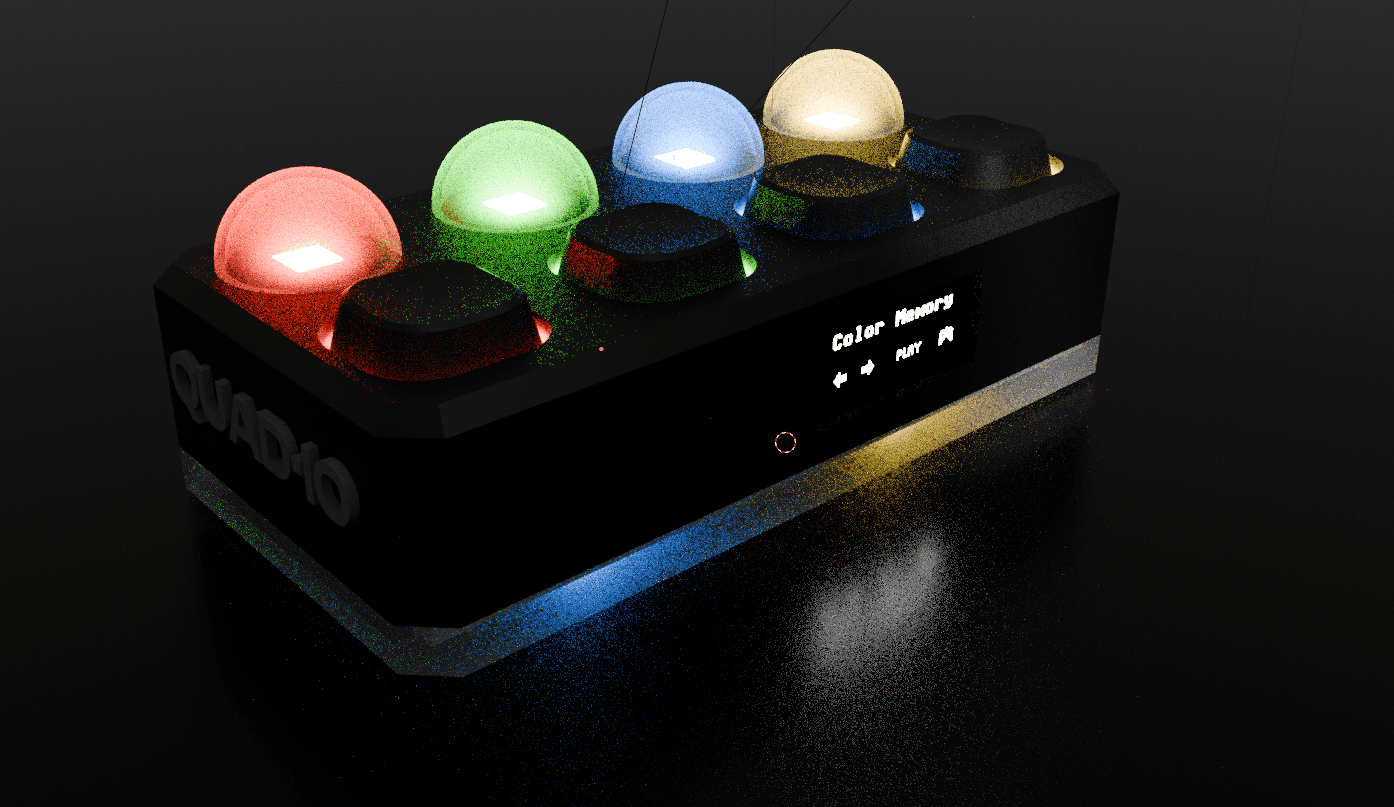
A compact experimental handheld built around an ESP32-C3, four Cherry MX switches, integrated LEDs, battery power, and a small OLED interface. The idea is to turn a minimal physical control surface into a flexible input-output system for tiny games, reactive prompts, and embedded logic experiments.
Sprint
5 days
A full holiday stretch spent almost entirely on concept work, CAD planning, and production research.
Core Input
4 switches
Cherry MX mechanical switches act as the main input surface for menus, games, and logic experiments.
System
ESP32-C3
The concept is built around a compact controller with battery power, OLED UI, LEDs, and wireless pairing.
Disciplines
CAD + HW + UI
The project pushed into industrial design, embedded planning, rendering, and beginner electronics work.
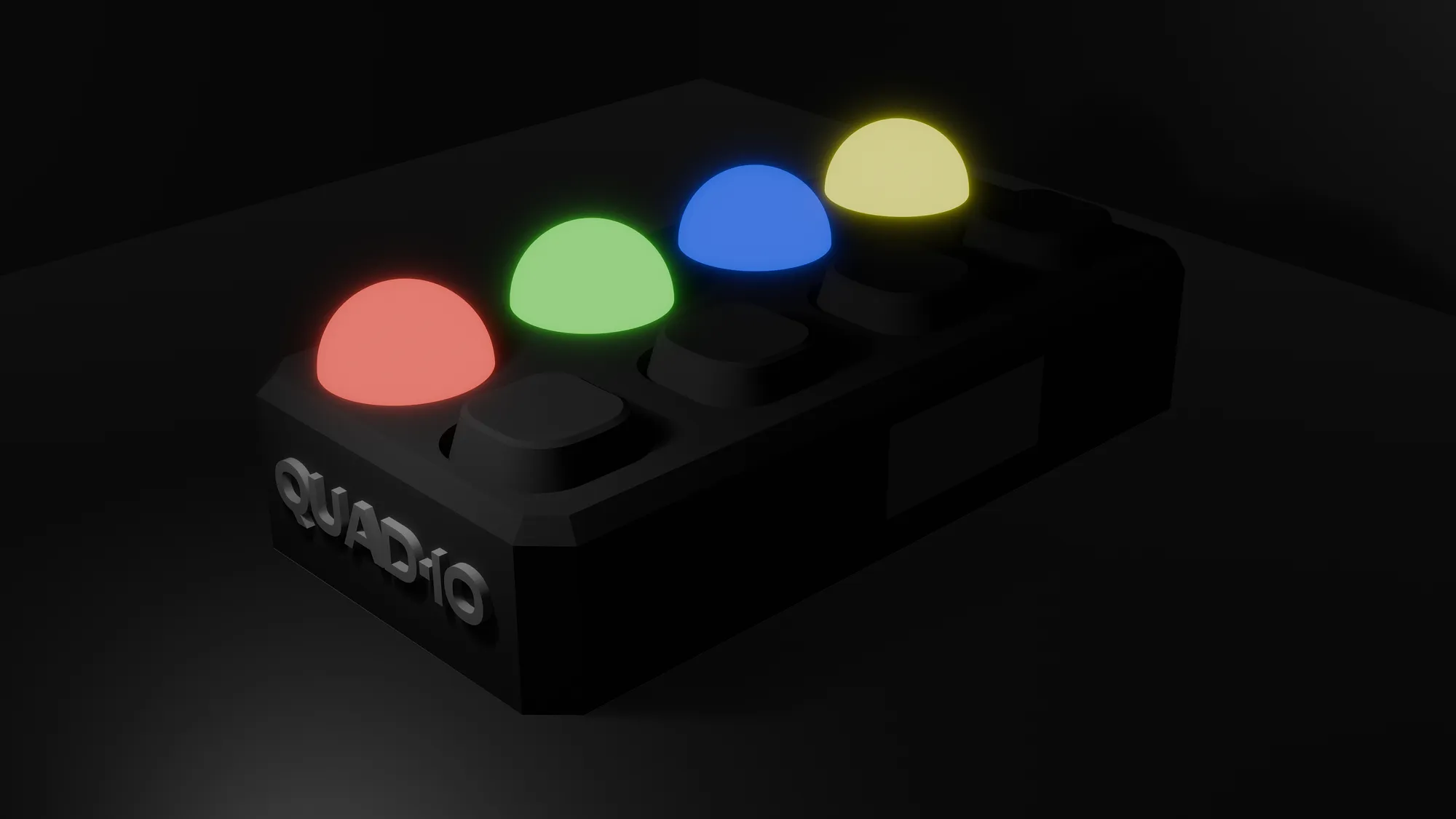
QUAD·IO is imagined as a small standalone device for tactile mini-games, memory challenges, rhythm prompts, and simple logic interactions.
A compact OLED display is navigated entirely through the four switches, keeping the interface simple and tightly linked to the physical hardware.
Diffuse underglow and per-switch lighting turn the enclosure itself into part of the interaction system rather than just a shell around electronics.
Devlog
The first stretch of work was less about coding and more about compressing a lot of product design, hardware planning, and rendering research into a short intense sprint. Instead of treating the enclosure, electronics, and look as separate problems, I tried to design them together from the start.
Step 1
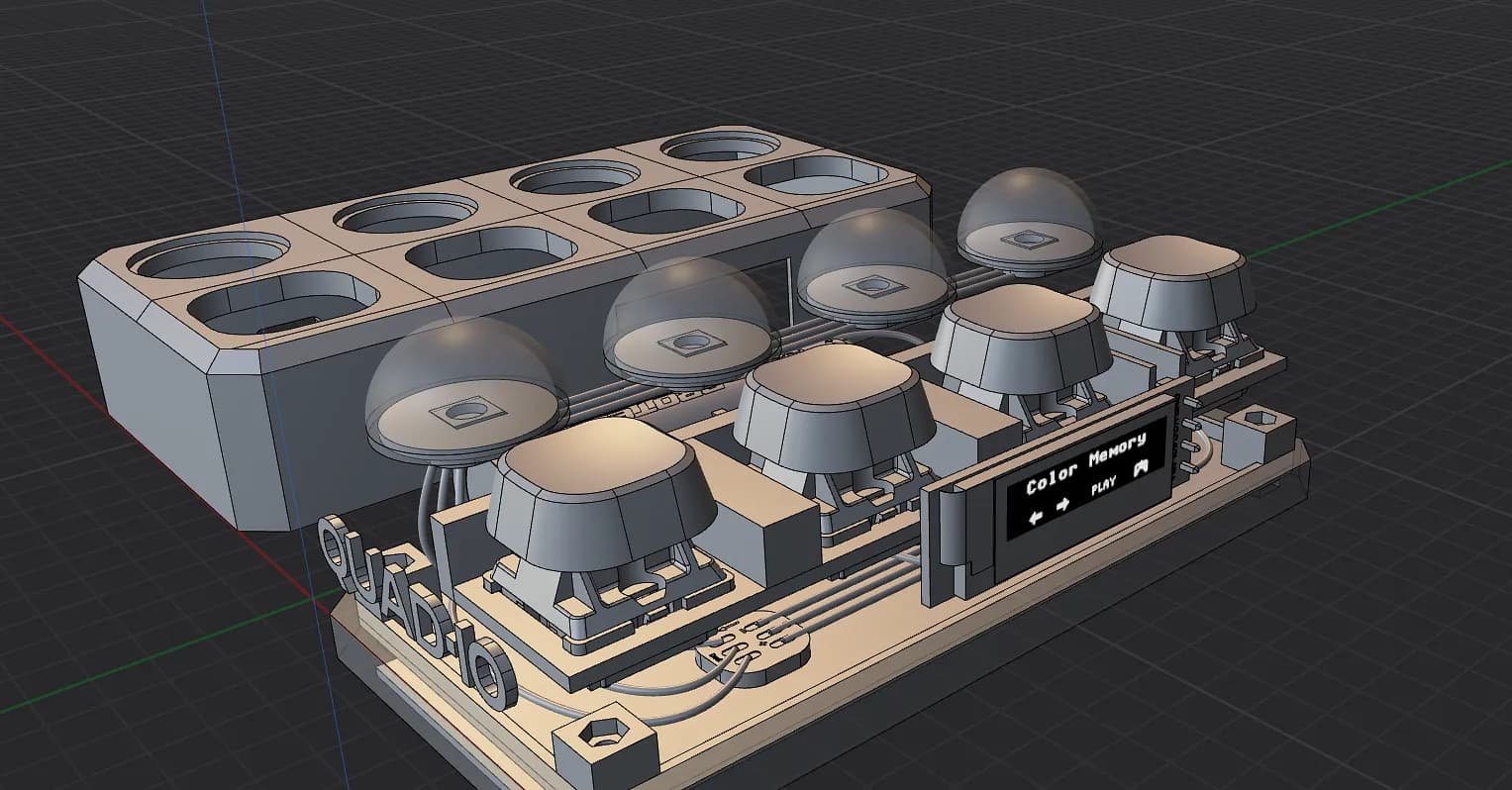
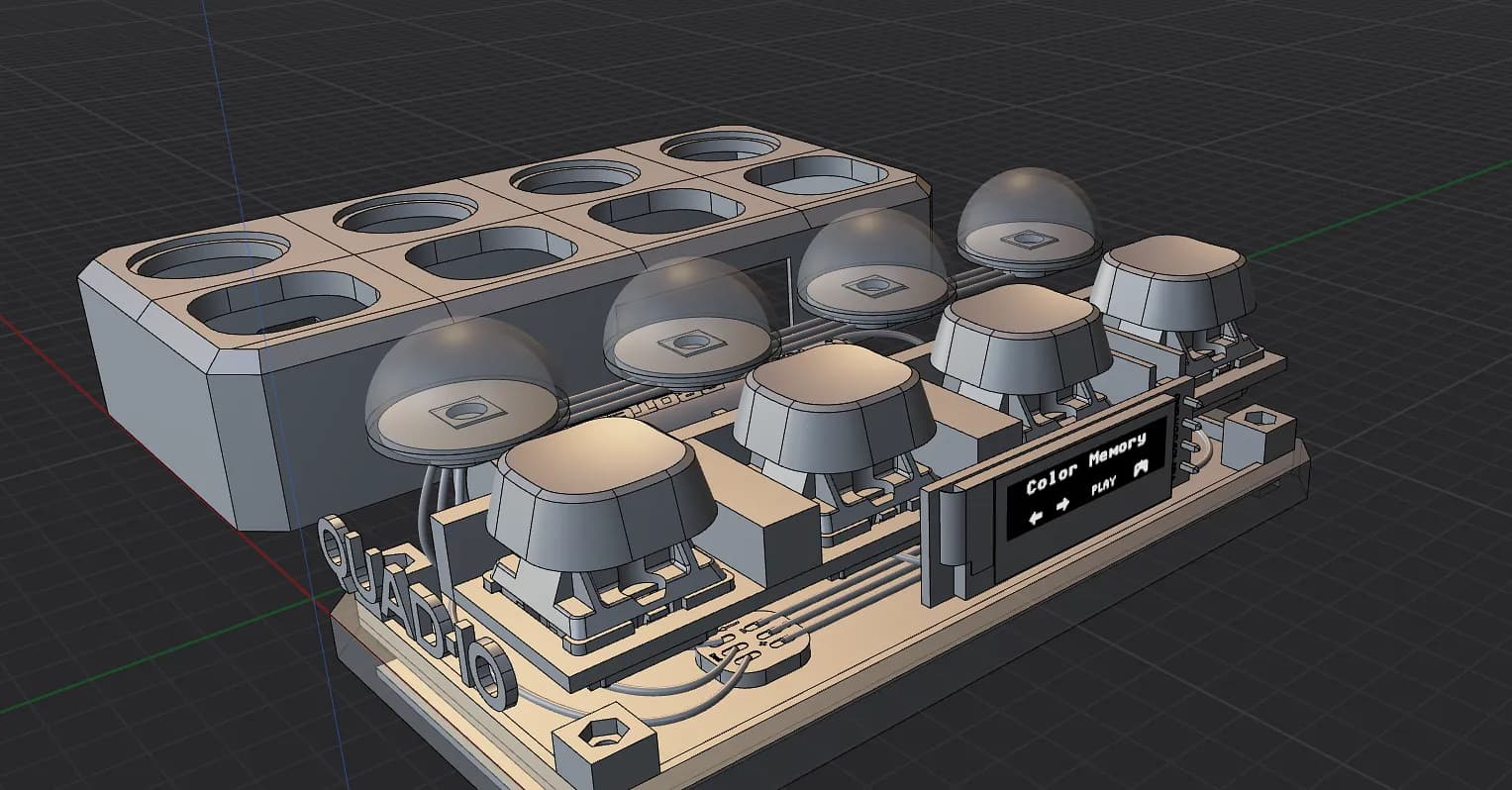
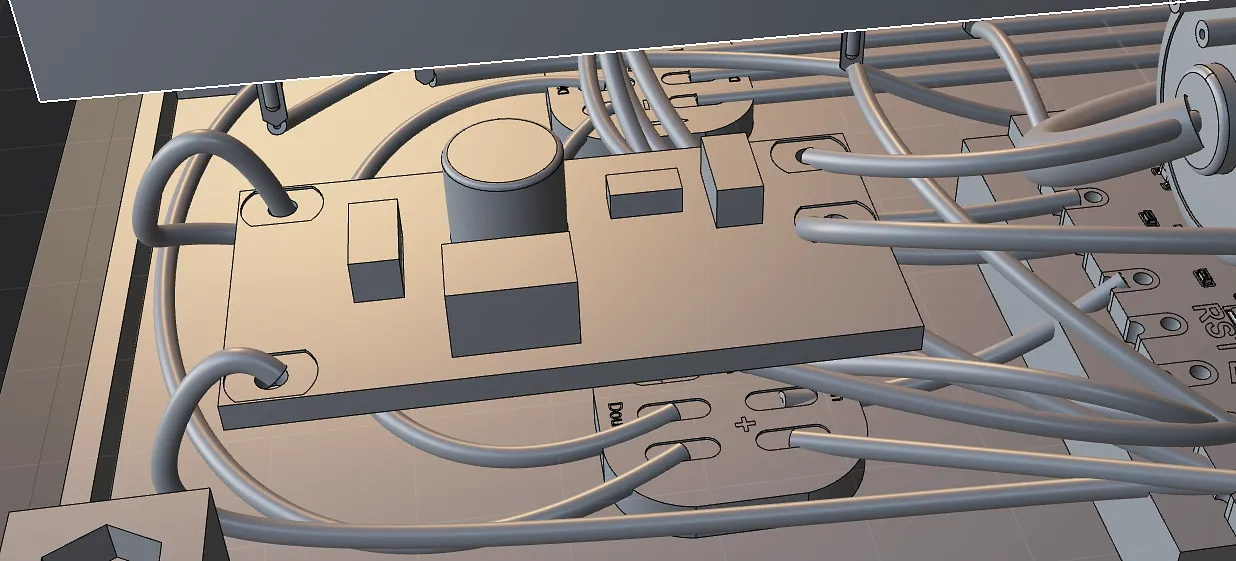
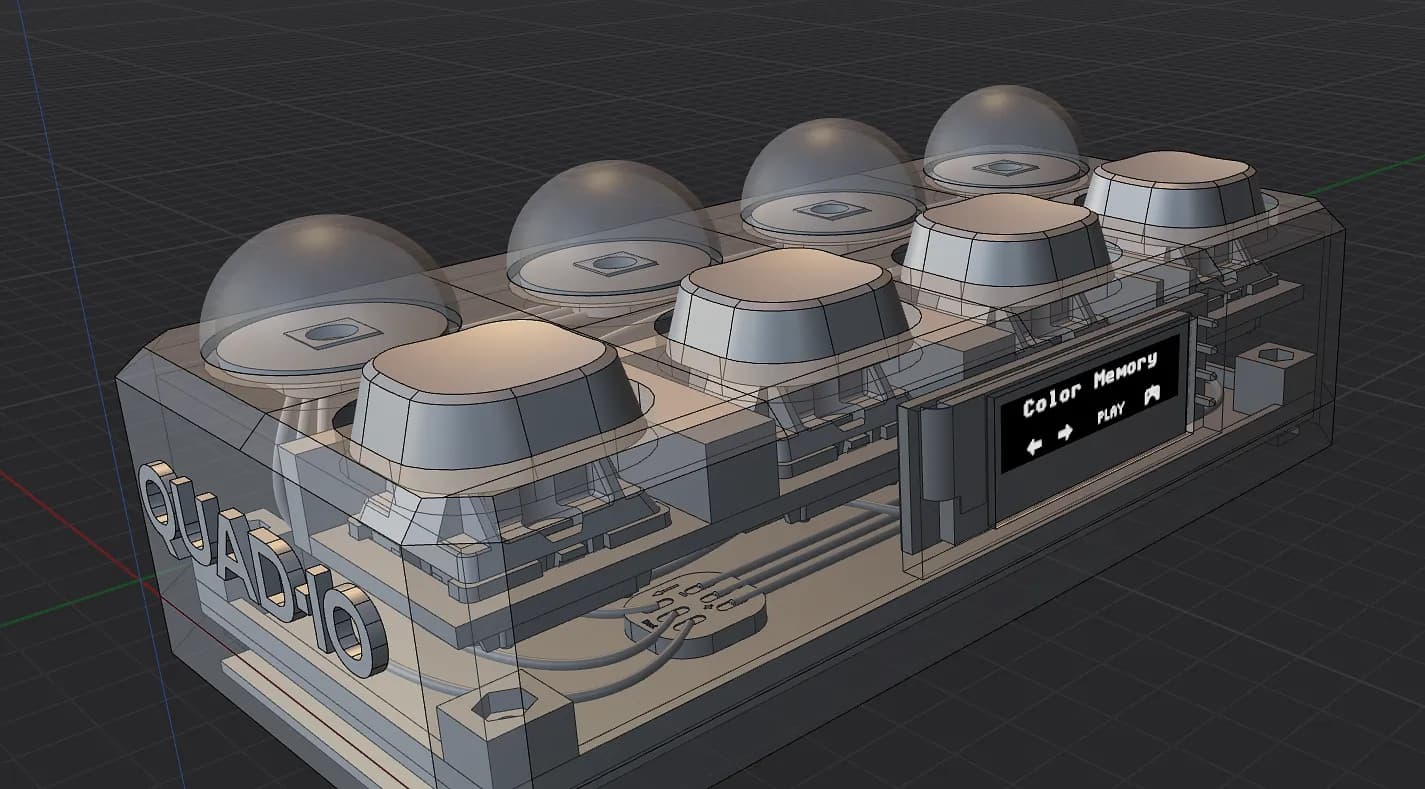
The first major step was building the full device in Plasticity. That meant more than shaping the outside. I worked through the internal layout at the same time, checking cable runs, assembly order, wall thickness, tolerances, and how each part could realistically fit without turning the shell into something impossible to build.
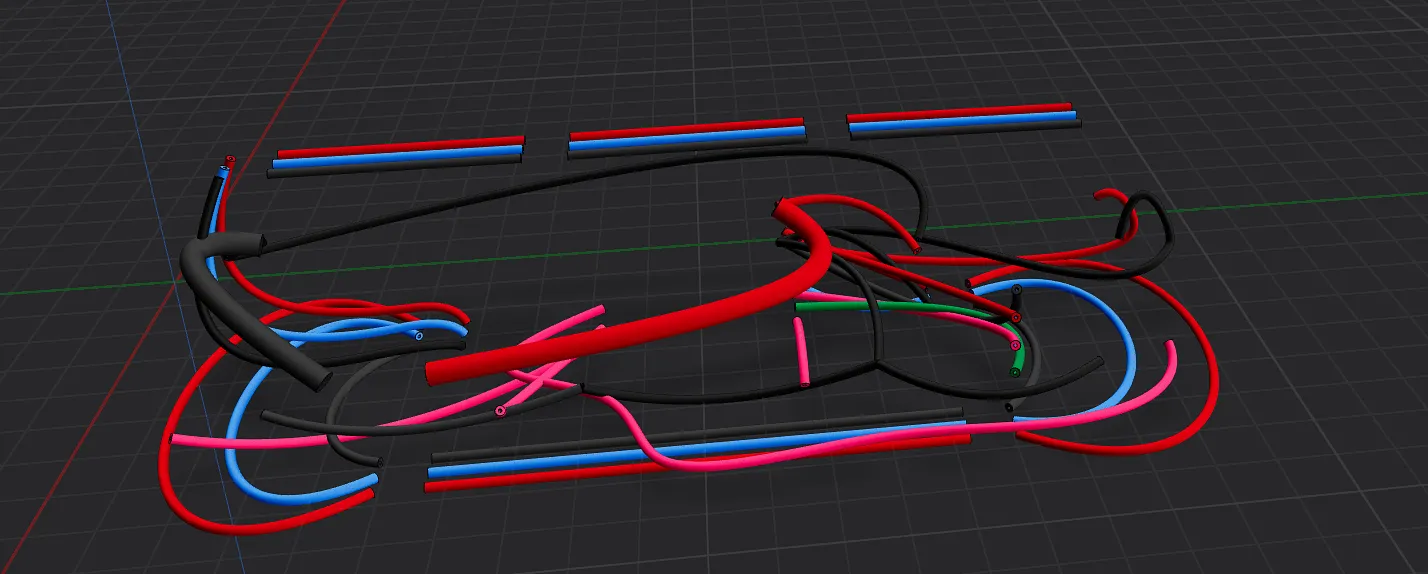
Step 2
A lot of the design time went into iteration. The goal was a minimal, compact object, but every visual decision had to survive practical constraints like component clearance, accessible mounting points, and enough space to assemble and service the device cleanly.
Step 3
While refining the hardware concept, I also moved the model into Blender to test how the object feels visually. That let me explore materials, lighting, and the overall atmosphere of the device before any physical build work started.
Step 4
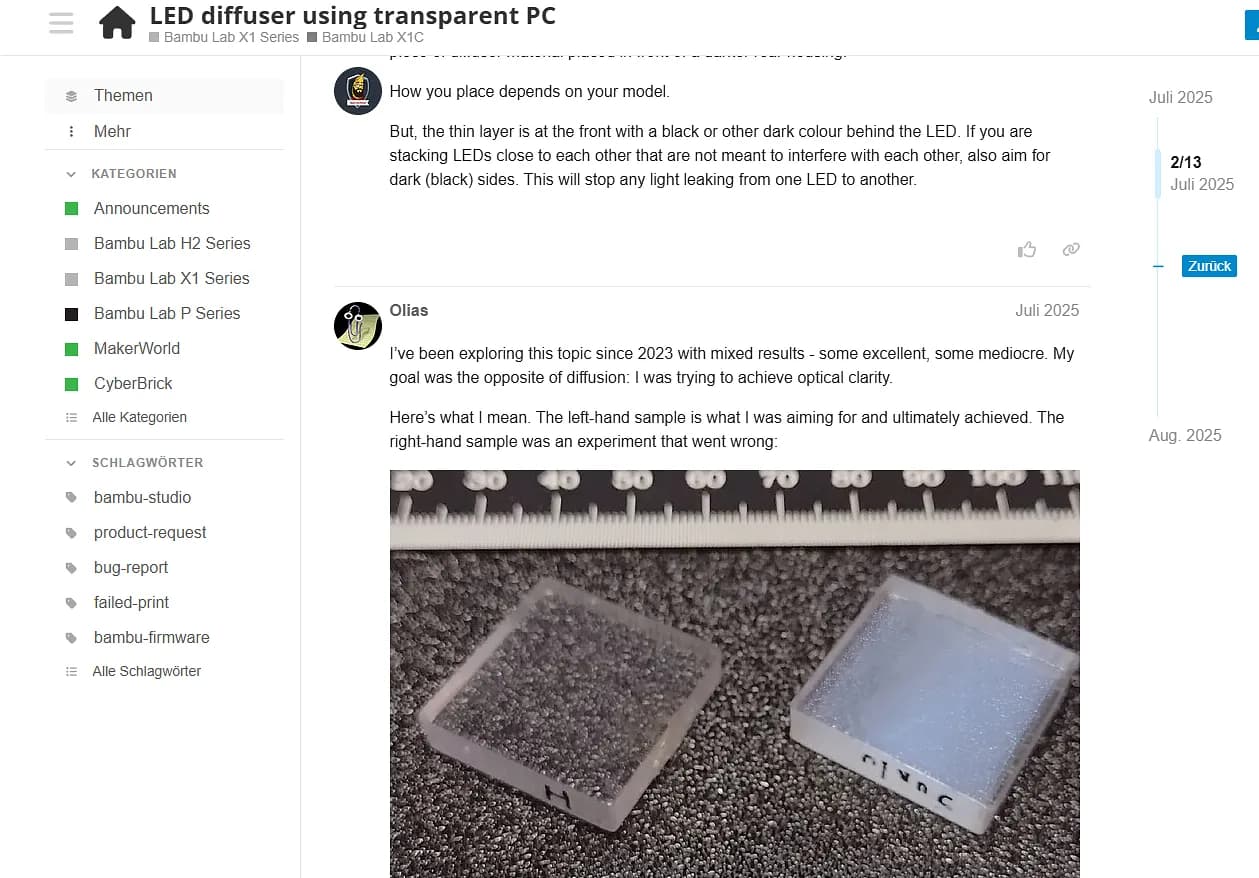
I looked at materials not just for appearance but for behavior. A TPU anti-slip mat on the bottom improves grip, while a light-diffusing polycarbonate underside supports the underglow effect. The broader aim was to make the object feel deliberate, durable, and good in hand.
Step 5
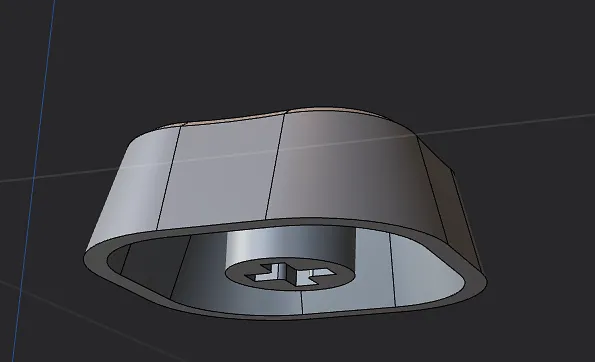
The keycaps were also designed specifically for the project. Matching them to the enclosure proportions helped the device feel like one coherent object instead of a generic electronics box with standard off-the-shelf parts dropped into it.
Step 6
A large part of the research phase was choosing components and defining the power system. The concept uses a 3.7 V lithium battery with a boost converter to step up to 5 V, which keeps the device portable while still supporting the electronics stack I had in mind.
Step 7
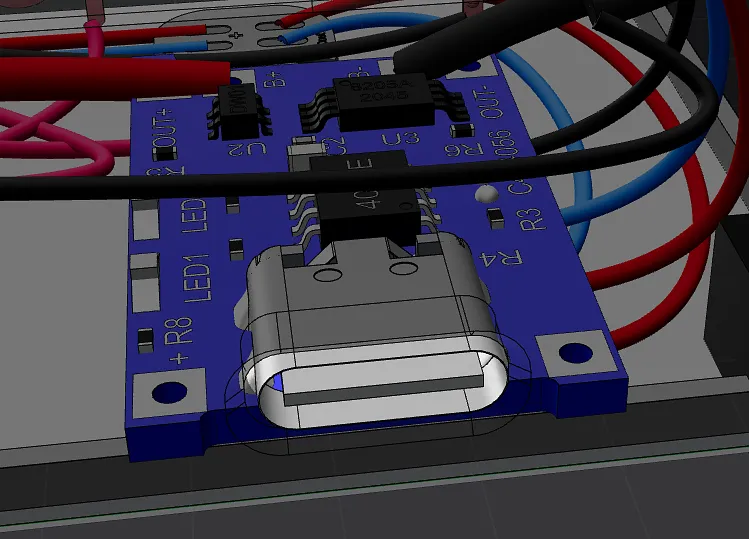
I integrated a TP4056 charging module into the layout and checked that charging access, spacing, and overall packaging still made sense. Keeping everything compact without making charging awkward or unsafe was one of the recurring layout constraints.
Step 8
By the end of those five days, the project had a clear enclosure direction, a believable internal architecture, stronger visualizations, and a practical plan for materials and power. That made the next phases feel much less speculative.
Step 9
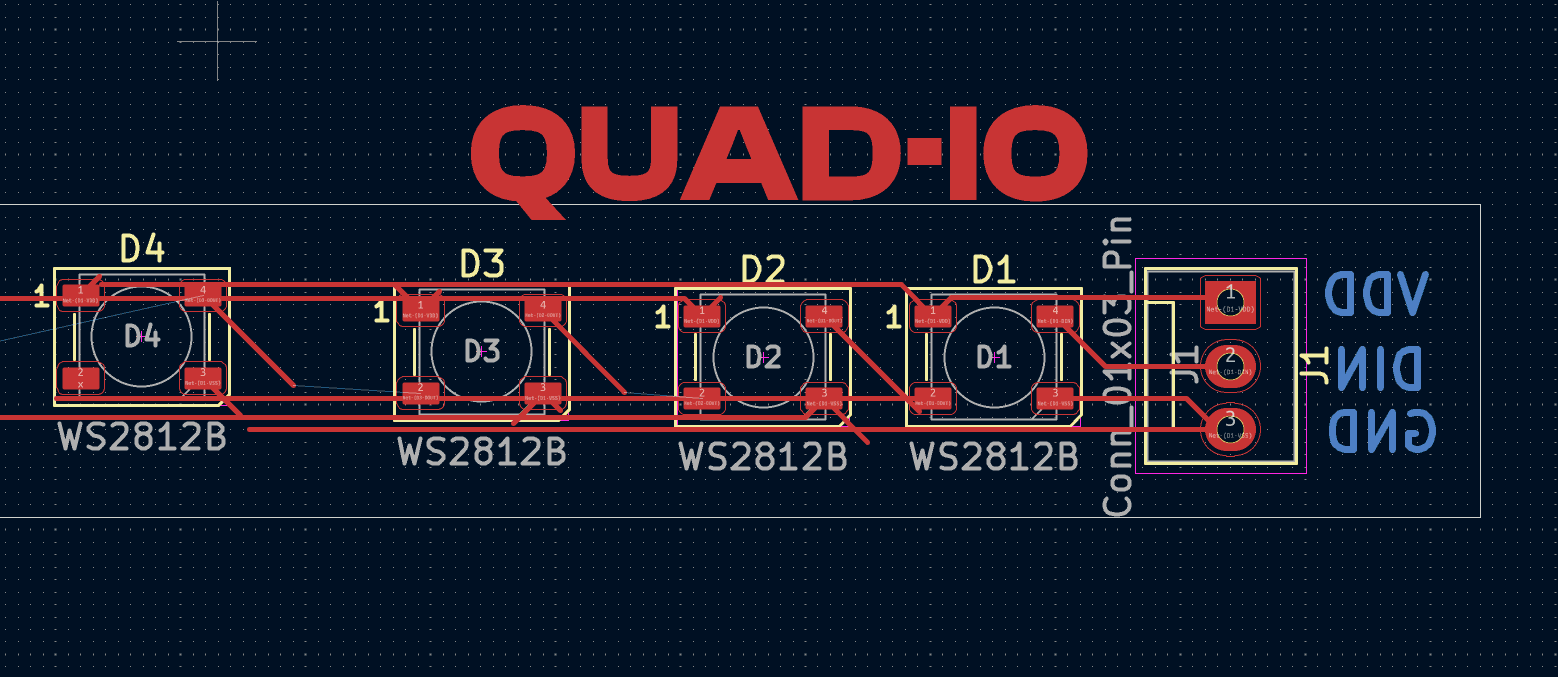
After the concept phase, I had to learn the rest from scratch: circuits, Arduino, 3D printing, CAD workflows, and basic PCB work. I also used Blender Cycles to study underglow diffusion and OLED emission more realistically, including a shader setup that isolates luminance values and drives the display through a strong emission pass for a more believable screen effect.
Step 10
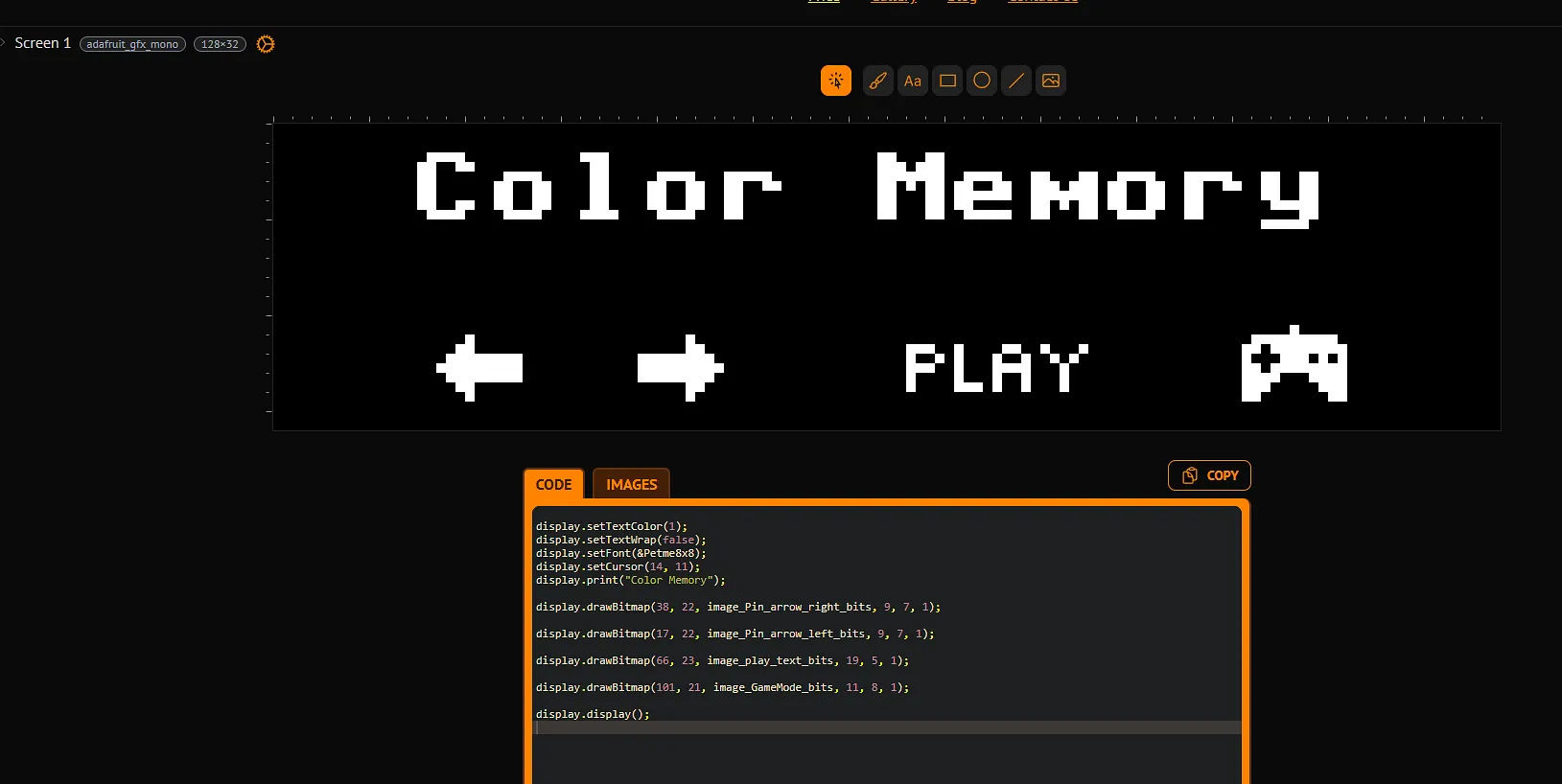
The final step was designing the software layer that would actually appear on the OLED display. I worked on a compact interface language for menus, status views, and game screens that fits the small resolution while still feeling clear and playful. That UI concept helped connect the hardware shell to the actual on-device experience, turning the project from a physical object into a more complete interactive system.